How to Run Facebook Ads for E-commerce
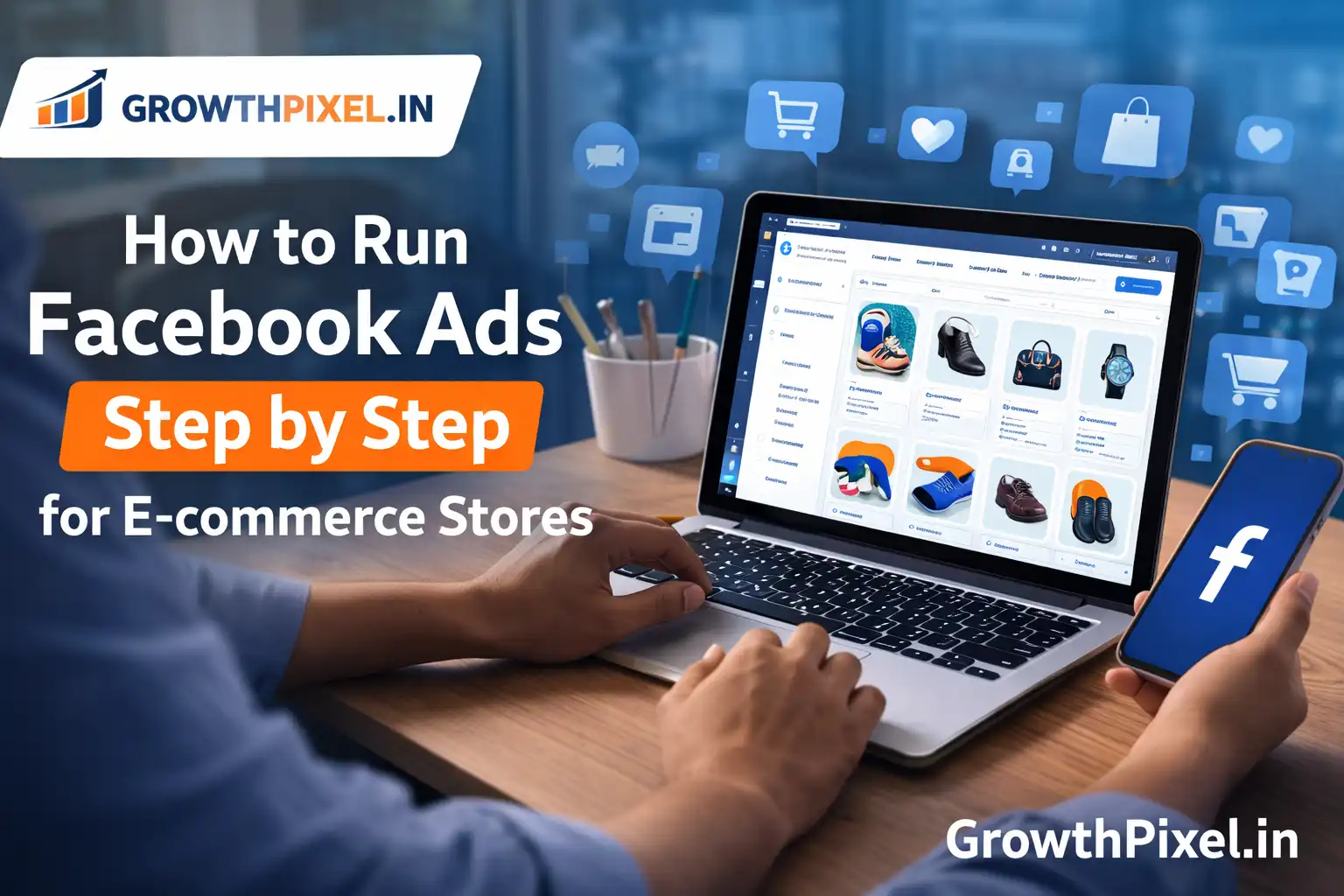
Running Facebook Ads for your store is a great way to get consistent sales and grow your business. Facebook and Instagram have a lot of users so you can reach an audience that is ready to buy things.
Many people who own online stores have trouble with Facebook Ads because they do not plan ahead. They spend money try out ads and then give up when they do not get the results they want.
The truth is, Facebook Ads work well if you do them the right way.
In this guide you will learn how to run Facebook Ads for your store from the beginning. This includes setting up your campaign choosing who to show your ads to making your ads look good and making your ads reach people.
🚀 Step 1: Set Up Your Facebook Business Manager
Before you start your ad campaign you need to set up your Facebook Business Manager. This is where you control your ads, pages and other things.
What you need to do:
Create a Business Manager account
Add your Facebook Page
Create or connect an Ad Account
Add a way to pay for your ads
Give roles to your team members if you have one
Why this step's important:
If you set up your Business Manager the right way you will have more control, security and access to advanced features like tracking and audience management.
🎯 Step 2: Install Facebook Pixel for Tracking
If you want to run Facebook Ads for your store you need to install the Facebook Pixel. This is a piece of code that tracks what people do on your website.
The Pixel helps you track:
People who visit your website
People who look at your products
People who add things to their cart
People who buy things
Benefits of Pixel:
You can track conversions accurately
You can target the audience
You can show ads to people who visited your website before
You can make sure your ads are delivered to the right people
Pro Tip:
If you use WordPress or Shopify you can install the Pixel easily using plugins or built-in integrations.
👥 Step 3: Identify Your Target Audience
Choosing the audience is very important for a successful Facebook Ads strategy. If you target the people your ads will not work.
Types of audiences you should create:
1. Cold Audience
These are people who have never interacted with your brand
Target people who like things (fashion, gadgets, fitness, etc.)
Target people who buy things online
2. Warm Audience
People who already know your brand:
People who visit your website
People who follow you on Instagram
People who like your Facebook page
3. Hot Audience
People who are very interested in your products:
People who add things to their cart
People who look at your product pages
People who bought from you before
practice:
Start by targeting people who like certain things and then move on to custom and lookalike audiences.
🎨 Step 4: Create High-Converting Ad Creatives
Your ad creative is the first thing people notice. It can. Break your campaign.
Types of creatives that work well:
High-quality pictures of your products
Pictures that show people using your products
videos (Reels & Stories)
Carousel ads for multiple products
Creative tips:
Focus on the benefits of your products not just the features
Use clear and attractive pictures
Add social proof (reviews, ratings)
Keep the text short and impactful
Example:
Instead of saying "Best shoes available" say
👉 "Comfortable running shoes designed for all-day wear”
🧠 Step 5: Choose the Right Campaign Objective
When you create a campaign Facebook asks you to choose an objective.
Common objectives:
Awareness
Traffic
Engagement
Sales (Conversions)
Best choice for stores:
Always choose Sales (Conversions) if you have the Pixel set up.
Why:
Facebook will show your ads to people who're most likely to buy from you not just click on your ads.
⚙️ Step 6: Campaign Setup (Structure Explained)
A Facebook Ads campaign has three levels:
1. Campaign Level:
Choose your objective (Sales)
2. Ad Set Level:
Choose who to show your ads to
Set your budget (daily or lifetime)
Choose where to show your ads ( recommended)
3. Ad Level:
Choose your ad picture/video)
Write your ad text
Choose your call-to-action (Shop
Budget Strategy:
Start with a small budget (₹300–₹1000 per day)
Test different audiences
Increase your budget gradually based on performance
✍️ Step 7: Write High-Converting Ad Copy
A strong ad copy grabs attention. Drives action.
Structure:
Hook → Problem → Solution → CTA
Example:
“Looking for clothes at affordable prices?
Upgrade your wardrobe with our latest collection.
Shop now and get discounts!”
Tips:
Keep it simple and clear
Focus on customer pain points
Use urgency (Limited time offer)
🔁 Step 8: Retargeting Strategy for Higher Conversions
Retargeting is where most of your profits come from.
Not everyone buys from you on the visit so you need to bring them back.
Retarget these users:
People who visited your website ( 30 days)
People who added things to their cart
People who watched your videos (50%+ watched)
Retargeting ideas:
Show testimonials
Offer discounts
Highlight product benefits
📊 Step 9: Track and Analyze Performance
To succeed in Facebook Ads you need to track your performance
Important metrics:
CTR (Click Through Rate)
CPC (Cost Per Click)
CPA (Cost Per Acquisition)
ROAS (Return on Ad Spend)
What to do:
Pause ads that are not doing well
Increase your budget on ads that are doing well
Test creatives every week
📈 Step 10: Scaling Your Facebook Ads
Once you find a campaign the next step is scaling.
Scaling methods:
Increase your budget slowly (20–30%
Duplicate winning ad sets
Expand your targeting ( audiences)
Warning:
Do not increase your budget quickly or it can reset optimization.
🔥 Advanced Funnel Strategy for Online Stores
To get the best results use a full-funnel Facebook Ads strategy.
Top of Funnel (TOF):
Target people who do not know your brand
Use engaging videos
of Funnel (MOF):
Retarget people who visited your website
Show them product benefits
Bottom of Funnel (BOF):
Retarget people who added things to their cart
Offer them discounts or urgency
⚠️ Common Mistakes to Avoid
Running ads without Pixel
Targeting the wrong audience
Using low-quality creatives
Not testing different ads
Ignoring analytics
Avoiding these mistakes can save you a lot of money and improve your results.
💡 Expert Tips for Better Results
Use video ads for engagement
Test at least 3–5 creatives
Use lookalike audiences
Optimize for conversions not clicks
Refresh your creatives regularly
🧩
Facebook Ads for online stores can be a game-changer when done correctly. From setting up your Business Manager to scaling winning campaigns every step is important for your success.
If you follow this step-by-step Facebook Ads strategy you will be able to:
Get consistent sales
Lower your ad costs
Build a scalable online business
Success, with Facebook Ads does not happen overnight. With continuous testing and optimization, you can get great results.
🚀 Final Thought
If you want to grow your store with high-converting Facebook Ads, a data-driven strategy, and expert execution, choose GROWTHPIXEL to take your brand to the next level 🚀